Blog
Straight answers to the questions that come up while filling forms and working with PDFs and images, each with a free tool to finish the job.
HEIC to JPGiPhone Photo Not Uploading? How to Fix HEIC Files for Any FormWhy iPhone photos fail on upload forms and Windows, how to tell if a photo is HEIC, and four ways to turn it into a JPG that every site accepts.26 October 2026, 4 min read
Exam and job forms
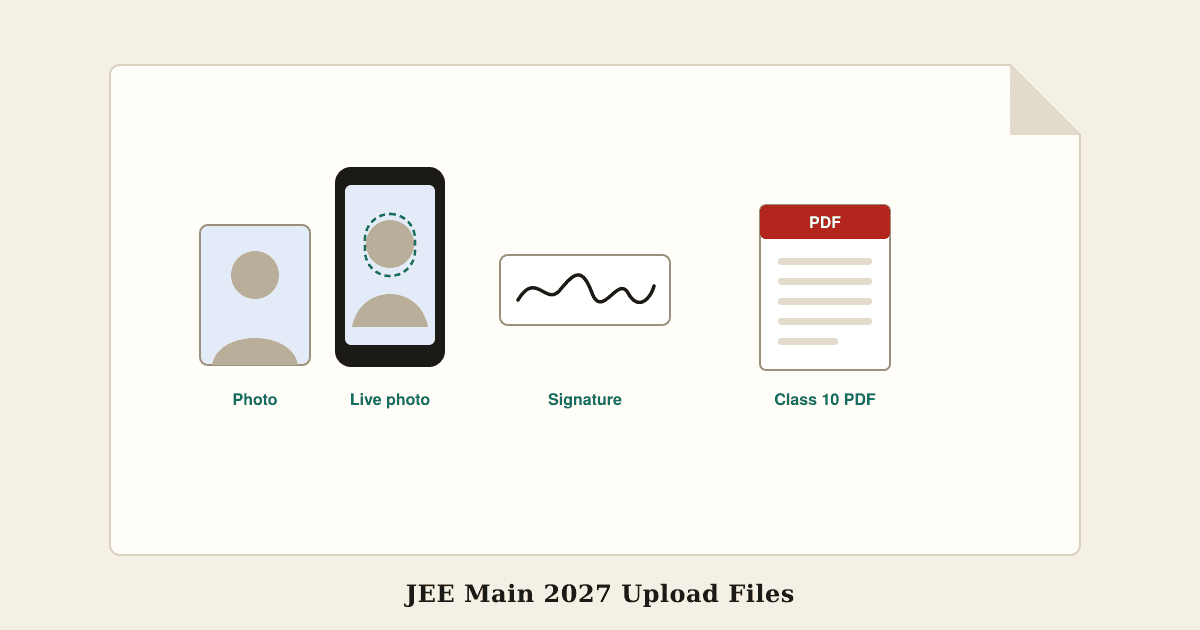 Exam photo & signatureJEE Main 2027 Photo and Signature Size, Live Photo and DocumentsJEE Main 2027 photo and signature size from the official NTA bulletin, the live photo step, document PDFs, session 1 and 2 dates, and fixes for rejected uploads.26 October 2026, 7 min read
 Exam photo & signatureIBPS and SBI Photo, Signature, Thumb and Declaration Size 2026Photo, signature, left thumb and declaration sizes for IBPS PO, Clerk, RRB and SBI forms, with the declaration text and fixes for rejected uploads.Updated 24 October 2026, 8 min read
 Exam photo & signatureNEET UG 2026 Photo, Signature and Thumb Impression SizeEvery file the NEET UG 2026 form asks for, with sizes from the official bulletin, the live photo and Aadhaar match, and what to do if the photos do not match.Updated 24 October 2026, 6 min read
 Exam photo & signaturePhoto and Signature Size for Exam Forms: SSC, UPSC, IBPS and OthersThe photo and signature sizes recent exam notices ask for, what changed with live photo capture, and how to get any photo between the minimum and maximum KB.Updated 24 October 2026, 4 min read
 Exam photo & signatureSSC and RRB Live Photo Capture 2026: Rules, Fixes and Signature SizeHow the live photo works on SSC and RRB application forms, how to pass it first time, what to do when the camera fails, and the signature size each one asks for.Updated 24 October 2026, 6 min read
 Exam photo & signatureUPSC Photo and Signature Size 2026: Three Signatures and Live PhotoUPSC photo and signature size for the 2026 form, how to make the three-signature image, the live photo and face check, and why uploads get rejected.23 October 2026, 7 min read
All guides
- HEIC to JPGiPhone Photo Not Uploading? How to Fix HEIC Files for Any FormWhy iPhone photos fail on upload forms and Windows, how to tell if a photo is HEIC, and four ways to turn it into a JPG that every site accepts.26 October 2026, 4 min read
- Exam photo & signatureJEE Main 2027 Photo and Signature Size, Live Photo and DocumentsJEE Main 2027 photo and signature size from the official NTA bulletin, the live photo step, document PDFs, session 1 and 2 dates, and fixes for rejected uploads.26 October 2026, 7 min read
- Exam photo & signatureIBPS and SBI Photo, Signature, Thumb and Declaration Size 2026Photo, signature, left thumb and declaration sizes for IBPS PO, Clerk, RRB and SBI forms, with the declaration text and fixes for rejected uploads.Updated 24 October 2026, 8 min read
- Exam photo & signatureNEET UG 2026 Photo, Signature and Thumb Impression SizeEvery file the NEET UG 2026 form asks for, with sizes from the official bulletin, the live photo and Aadhaar match, and what to do if the photos do not match.Updated 24 October 2026, 6 min read
- Exam photo & signaturePhoto and Signature Size for Exam Forms: SSC, UPSC, IBPS and OthersThe photo and signature sizes recent exam notices ask for, what changed with live photo capture, and how to get any photo between the minimum and maximum KB.Updated 24 October 2026, 4 min read
- Exam photo & signatureSSC and RRB Live Photo Capture 2026: Rules, Fixes and Signature SizeHow the live photo works on SSC and RRB application forms, how to pass it first time, what to do when the camera fails, and the signature size each one asks for.Updated 24 October 2026, 6 min read
- Exam photo & signatureUPSC Photo and Signature Size 2026: Three Signatures and Live PhotoUPSC photo and signature size for the 2026 form, how to make the three-signature image, the live photo and face check, and why uploads get rejected.23 October 2026, 7 min read
 Compress PDFFile Too Large to Upload? Why It Happens Even Under the LimitWhy a form rejects a file that looks small enough, how KB is counted differently on Mac, Windows, and websites, and the quickest fix for photos and PDFs.22 October 2026, 3 min read
 Merge PDFHow to Prepare Photos and Documents for Online Application FormsFix the usual upload errors on job, exam, college, and visa portals: photo dimensions, file size limits in KB, single-PDF uploads, and locked files.Updated 22 October 2026, 4 min read
 PDF word countPDF Word Count for Essays and Theses: What Counts and How to CheckWhy your PDF shows more words than your word processor, what university word limits usually include, and how to get the figure your marker will use.Updated 21 October 2026, 4 min read
 Extract PDF textCan't Copy Text from a PDF? Five Causes and How to Fix EachWhy some PDFs will not let you select text, why copied text comes out jumbled, and the right fix for scans, locked files, columns, and odd fonts.Updated 21 October 2026, 4 min read
 Compress imageHow to Optimise Images for a Website: Size, Format, and CompressionA simple three-step routine for website images that load fast and still look sharp: pick the right dimensions, the right format, and the right compression.Updated 21 October 2026, 3 min read
 Image to text (OCR)How to Copy Text from an Image: OCR Tips for Accurate ResultsHow text recognition works, why it sometimes gets characters wrong, and simple ways to prepare photos and screenshots so the extracted text needs little fixing.Updated 21 October 2026, 3 min read
 Unlock PDFHow to Open a Password-Protected Bank Statement or Payslip PDFWhere to find the password for statements, payslips, and tax documents, why it is not working, and how to save an unlocked copy safely once you know it.Updated 21 October 2026, 3 min read
 Scan to PDFHow to Scan Documents with Your Phone and Get a Clean, Readable PDFPractical tips for scanning forms, receipts, and notes with a phone camera: lighting, angle, cropping, file size, and turning the photos into one PDF.Updated 21 October 2026, 3 min read
 PNG to JPGPNG vs JPG vs WebP: Which Image Format Should You Use?A practical guide to choosing between JPG, PNG, and WebP for photos, screenshots, logos, forms, and websites, with the trade-offs explained in plain terms.Updated 21 October 2026, 3 min read
 Resize imageSocial Media Image Sizes: Crop and Resize Photos ProperlyThe shapes and pixel sizes that work for Instagram, Facebook, LinkedIn, X, YouTube, Pinterest, and WhatsApp, and a two-step method to prepare any photo.Updated 21 October 2026, 3 min read
 Image to WebPWhat Is WebP? When to Use It and How to Convert ItWhat WebP images are, why websites use them, why your downloaded image ends in .webp, and how to convert WebP to JPG or PNG when an app will not accept it.Updated 21 October 2026, 3 min read