iPhone Photo Not Uploading? How to Fix HEIC Files for Any Form
Why iPhone photos fail on upload forms and Windows, how to tell if a photo is HEIC, and four ways to turn it into a JPG that every site accepts.
Published
Why your iPhone photo is not uploading
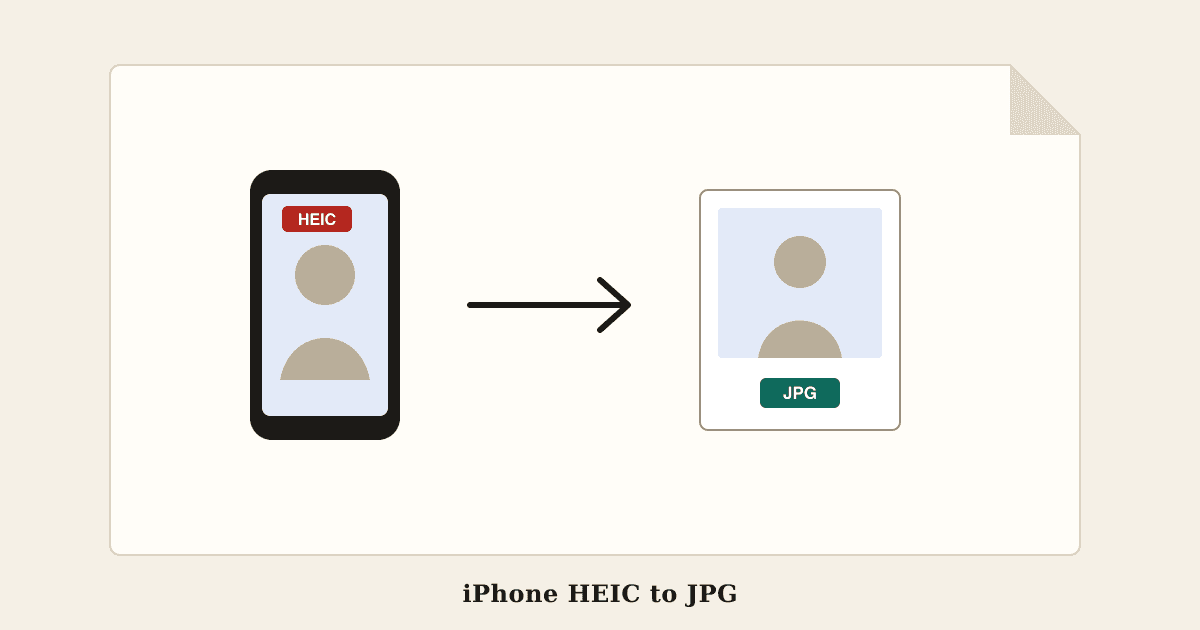
Since iOS 11, iPhones save photos in HEIC format by default. HEIC keeps the same picture in roughly half the space of a JPG, which is why Apple uses it, but many websites and programs still cannot read it.
That is why the same photo can upload fine from one place and fail from another. The usual signs:
- The form says the file type is not supported, or accepts only JPG, JPEG or PNG
- The file picker greys the photo out or does not show it at all
- The upload finishes but the preview is blank or broken
- Windows shows the file as IMG_1234.HEIC and will not open it
Government, exam, job and bank portals are the strictest, because most of them accept only JPG for photos and signatures.
When it happens and when it does not
If you pick a photo straight from your library in Safari or Chrome on the iPhone, iOS usually converts it to JPG for the website on its own, so the upload works.
Trouble starts when the photo travels before it is uploaded. Photos sent by AirDrop, saved to the Files app, shared as a document on WhatsApp, emailed as an attachment, or downloaded from iCloud or Google Drive on a computer often stay HEIC. When you then upload from a Windows laptop or an Android phone, the site receives the HEIC file and refuses it.
To check a photo on the iPhone, open it in Photos and swipe up or tap the info button; the details show HEIF or JPEG. On a computer, look at the file name: it ends in .heic or .heif.
Fix 1: convert the photo to JPG in your browser
The quickest fix for a photo you already have is to convert it. HEIC to JPG turns one photo or a whole batch into JPG files that open everywhere, and gives you a ZIP when there are several.
It runs in your browser on a phone or a computer, so your photos are not uploaded to a server first, which matters for ID documents and family pictures. The JPG keeps the full resolution and looks the same. One side effect is useful before uploading: the JPG does not carry over hidden details such as the GPS location where the photo was taken.
Fix 2: let your iPhone convert for you
Two built-in settings stop the problem at the source:
- Settings, Camera, Formats, Most Compatible: new photos are taken as JPG instead of HEIC. They take more storage, so many people keep High Efficiency and convert only what they need
- Settings, Apps, Photos, Transfer to Mac or PC, Automatic: photos copied to a computer with a cable arrive as JPG when the computer may not read HEIC
A third trick works for a single photo already on the phone: copy it in Photos, open the Files app, and paste it into a folder. Files saves the pasted copy as a JPG, which you can then upload from Files.
Fix 3: open HEIC photos on Windows
Windows 10 and 11 can display HEIC photos once two add-ons from the Microsoft Store are installed: HEIF Image Extensions, which is free, and HEVC Video Extensions, which some computers include and others must buy for a small fee.
That lets you view the photos, but it does not help with upload forms, because the website still receives a HEIC file. For forms you need a real JPG, so converting is the dependable route. Free conversion with HEIC to JPG works on Windows without installing anything.
After converting: check the size limit
A JPG is usually larger than the HEIC it came from, often about twice the size, so a converted phone photo can be 2 to 5 MB. Most forms set a much smaller limit, such as 50 KB, 100 KB or 200 KB, and some set exact pixel sizes too.
For exam and job forms, skip the separate steps: the Exam Photo and Signature Resizer opens iPhone HEIC photos directly and saves a JPG at the exact pixel size and KB range the notice asks for. For any other limit, Compress Image also accepts HEIC and lets you type the maximum size. Our guide to why a form says your file is too large covers the other reasons an upload is refused.
Common questions
Is HEIC the same as HEIF? HEIF is the format family and HEIC is Apple's name for HEIF photos; both open the same way.
Will converting to JPG reduce the quality? Not visibly. A high-quality JPG at full resolution looks the same on screen and in print.
Can Android open HEIC photos? Many newer Android phones can show them in the gallery, but plenty of apps and websites still cannot, so convert before uploading.
Why does the photo upload from my iPhone but not from my laptop? The iPhone converts the photo to JPG when you upload from its library; the laptop sends the original HEIC file.
Does this affect Live Photos? Only the still photo is converted. The short video part is a separate file.
Try HEIC to JPG
Free, with no account. It runs in your browser, so your files are not uploaded.
Open HEIC to JPG