JEE Main 2027 Photo and Signature Size, Live Photo and Documents
JEE Main 2027 photo and signature size from the official NTA bulletin, the live photo step, document PDFs, session 1 and 2 dates, and fixes for rejected uploads.
Published
JEE Main 2027 photo and signature size at a glance
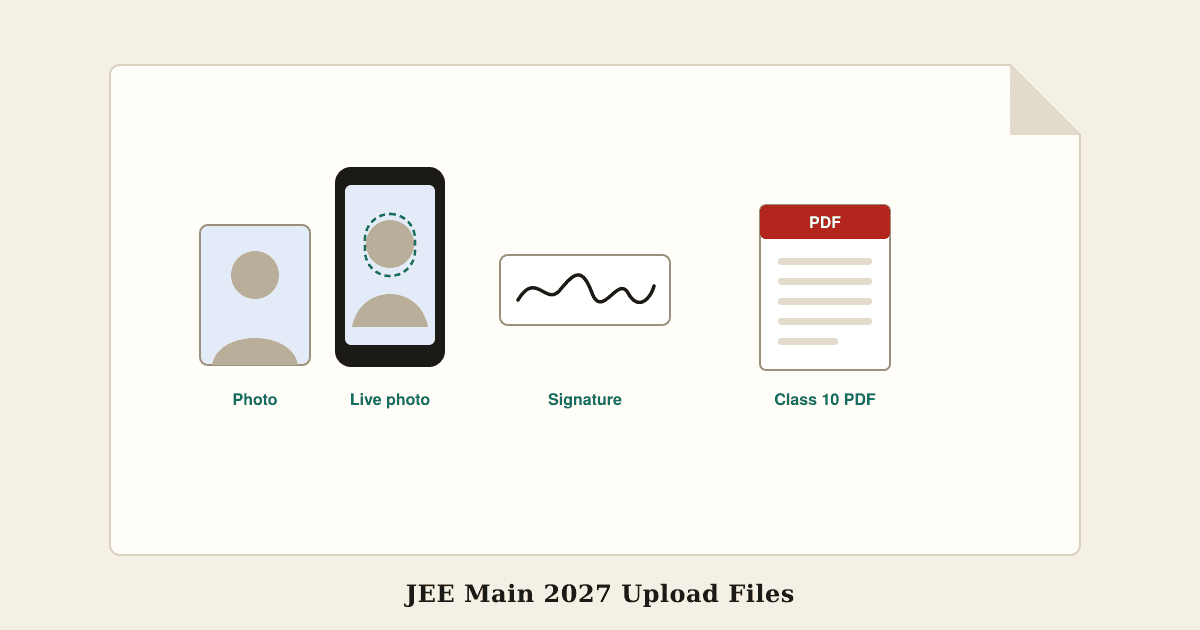
The JEE (Main) 2027 information bulletin, published by NTA when registration opened on 24 October 2026, asks for these uploads in the application form:
- Scanned photograph: JPG or JPEG, 10 to 200 KB, recent and in colour, white background, face covering about 80 percent of the frame with both ears showing and no mask
- Signature: JPG or JPEG, 10 to 100 KB, your own and clearly legible
- Live photograph: taken during the form with a webcam, or on your phone through a QR code
- Class 10 certificate or mark sheet: PDF, 50 to 300 KB
- Disability or UDID certificate, if it applies: PDF, 50 to 300 KB
- Passport, for foreign nationals and OCI candidates: PDF, 50 to 300 KB
The bulletin gives no pixel dimensions for the photo or signature, only the KB range. Several popular guides still print older or mixed-up limits, such as a 300 KB photo or a 50 KB or 30 KB signature. Those are wrong for 2027, and a 300 KB photo will be refused.
Application dates for session 1 and session 2
One application number covers both sessions, so the form you fill now is also the one you log in to in January. The dates in the bulletin:
- Session 1 form: 24 October to 22 November 2026, until 11:50 pm, with the fee due by the same time
- Session 1 late fee window: 23 to 26 November 2026, with an extra 500 rupees
- Session 1 correction window: 27 to 29 November 2026
- Session 1 exams: 20 to 24 and 28 January 2027
- Session 2 form: 5 January to 3 February 2027
- Session 2 correction window: 8 to 10 February 2027
- Session 2 exams: 2 to 7 April 2027
The portal slows down in the last few days of every window. Finish the uploads in the first week if you can, so a rejected file leaves you time to fix it.
The scanned photograph
Use a passport-style colour photo taken in the last few months. The bulletin wants a white background, your face filling about 80 percent of the picture, both ears visible and no mask. It does not ask for your name or the date to be printed on the photo, and a plain photo is what the form expects.
Since no pixel size is set, most candidates use the familiar 3.5 x 4.5 cm passport shape. At 200 DPI that is 276 x 354 pixels, which stays sharp and lands easily inside 10 to 200 KB.
The bulletin is silent on everyday spectacles in the photo. If you wear them, tilt them or move the light so there is no glare, and keep them off for the live photo, where reflections cause most failed captures. Print a few copies of the same photo, since invigilators compare your face, the uploaded photo and your admit card at the exam centre.
The live photo, Aadhaar and identity checks
The live photo does not replace the scanned one; you upload both. The form opens your webcam, or shows a QR code you scan to take the picture on your phone. The bulletin asks for the same conditions as the scanned photo: white background, good light, 80 percent face with ears visible and no mask.
NTA says it may verify your details and photographs, and it advises updating your Aadhaar record with a recent photo before you apply. In the January 2026 session, some candidates were emailed after the form had closed because their live photo could not be matched with their ID records, and were asked to upload a photo identity certificate attested by their school principal. Check your registered email and the portal through December, including the spam folder.
For 2027 you may also verify your identity through eKYC with Aadhaar, PAN, a driving licence or APAAR. The bulletin describes this as optional.
Getting a clean live capture
Most failed live photos come down to light and framing, so set up before you open the form:
- Stand or sit against a white wall or a white sheet, with a window or lamp in front of you, not behind
- Take off caps, masks and dark glasses, and push hair away from your ears
- Ask someone to hold the phone at eye level about an arm's length away rather than taking it yourself
- Keep your face inside the outline on screen, filling most of it, and hold still for a moment
- If the webcam picture is grainy, use the QR code option and your phone's rear camera instead
If the capture keeps failing, allow camera access in the browser settings, close other apps using the camera, and try another browser.
The signature
The bulletin needs your own signature, not one written by a parent or anyone else, as a JPG between 10 and 100 KB that is easy to read. It sets no ink colour, but black or dark blue ink on plain white paper scans best and gives the cleanest small file.
Sign the way you normally do, because you will sign the attendance sheet at the centre and the two are compared. Photograph the page in daylight with the phone held flat above it, then crop away most of the empty paper. A signature that is mostly white space looks faint once it is shrunk, and a very small one can save under the 10 KB minimum.
Make your JEE Main photo, signature and PDFs here
Pick JEE Main in the Exam Photo and Signature Resizer and it applies the 2027 limits for you:
If a small, clean signature would save under 10 KB, the tool raises it just above the minimum without changing the picture. For the Class 10 certificate, photograph each page and turn them into one file with JPG to PDF, then bring it under 300 KB with Compress PDF. All of this runs in your browser, so your photo, signature and certificates stay on your device until you upload them to the NTA portal.
Common reasons uploads fail or get flagged
- Photo over 200 KB or signature over 100 KB, often straight from a phone camera
- Files under the 10 KB minimum, usually a tightly cropped signature
- Coloured, patterned or shadowed background behind the face
- Face too small in the frame, ears hidden by hair, or a mask
- Blurred or dark live photo, or one that looks very different from your Aadhaar photo
- Signature in someone else's hand, or too faint to read
- Class 10 PDF over 300 KB because each page was scanned at full phone resolution
The bulletin treats wrong or morphed photos and signatures as unfair means, so never edit your face, swap in an old photo or trace a signature.
Common questions
What pixel size should the JEE Main photo be? The bulletin sets none. A 3.5 x 4.5 cm photo at 200 DPI, 276 x 354 pixels, fits the 10 to 200 KB range well.
Do I need my name and date on the photo? No. The 2027 bulletin does not ask for them.
Can I change my photo after submitting? Only if NTA enables it in the correction window, 27 to 29 November 2026 for session 1. The list of editable fields appears on the website when the window opens, so check every upload before you pay.
Do I fill a new form for session 2? Not if you applied for session 1. You log in with the same application number when the session 2 window opens on 5 January 2027.
Can I use a selfie? Use a proper passport-style photo taken by someone else at eye level. Selfies are usually too close, slightly distorted and badly lit.
Try Exam photo & signature
Free, with no account. It runs in your browser, so your files are not uploaded.
Open Exam photo & signature